coreo.cloud
Telegram Explore servers

01 / BARE-METAL INFRASTRUCTURE

Germany 20Gbps Dedicated Servers

Germany (Frankfurt) · 1 / 10 / 20 / 40 Gbps

8 configurations available

LET'S TALK

20 Gbps dedicated servers in Germany for heavy jobs

When a batch process moves terabytes between stages, 20 Gbps in Frankfurt makes the difference. Explain how long each phase takes and how much data you handle, and we will help you pick a dedicated server with the CPU and memory that pace demands.

Message us on Telegram
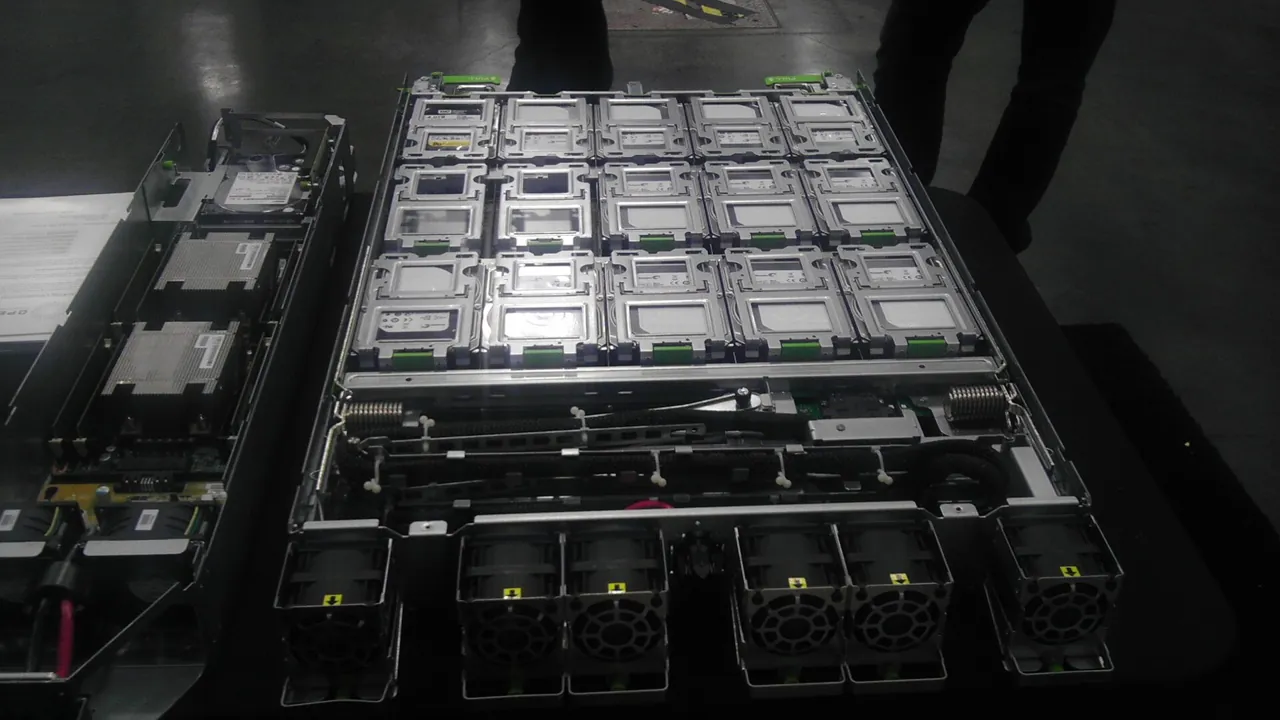
Open server tray with drive modules
Illustrative photograph · Robert.Harker · CC BY-SA 3.0
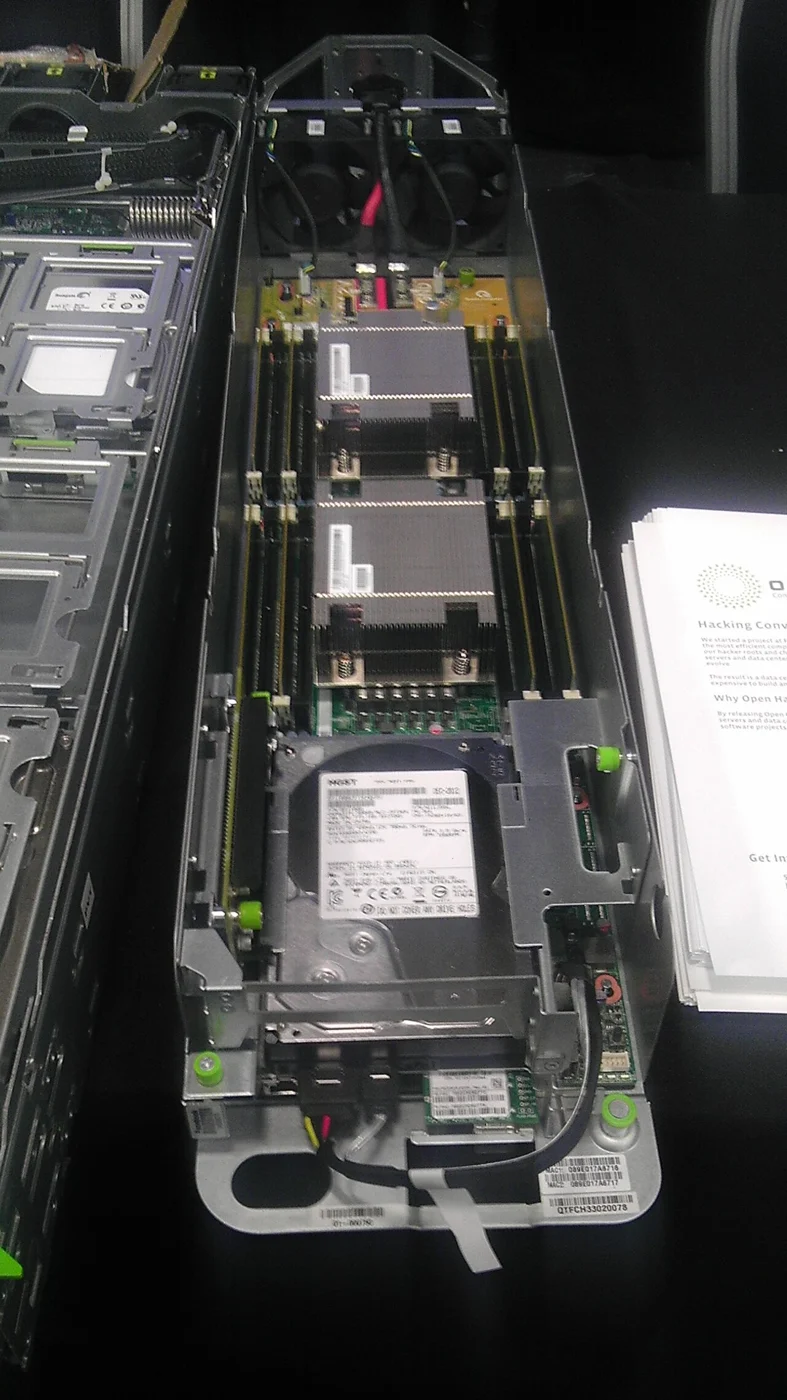
Computer components and equipment in an illustrative photograph
Illustrative photograph · Robert.Harker · CC BY-SA 3.0

Plan processing stages with 20 Gbps in Germany

Germany’s 20 Gbps dedicated offers let you compare eight Coreo.cloud configurations. For a process receiving, transforming and delivering information, first draw its stages and the amount of data passing through each one. An input file may produce output of a different size; include that relationship in your estimate instead of assigning the same volume to every part of the journey through the application.

Define which stages can run together and which must wait for the preceding stage. Prepare a small batch containing every required operation and record outstanding work after each step. If a stage accumulates more data than it consumes, review how it is organized before expanding the machine. The catalog lets you compare the resulting budget with CPU, RAM, storage and price. Choose a configuration around the pace of the complete process as well as the port requirement.

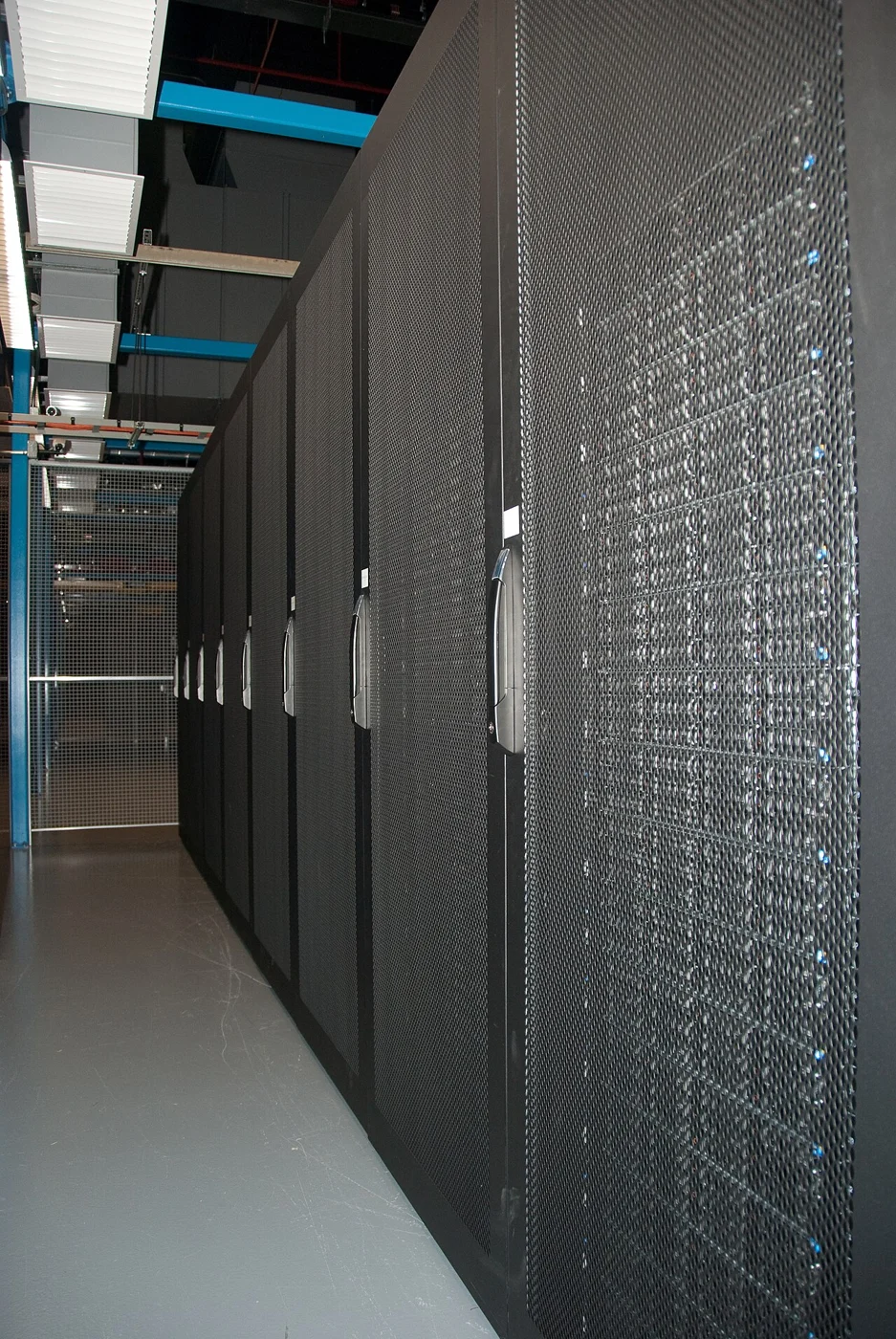
Computing infrastructure facilities and equipment
Illustrative photograph · RobH · CC BY-SA 3.0

Choose useful intervals for observing a processing job

To measure a process on a Germany 20 Gbps dedicated server, set intervals corresponding to real operations. You can separate file loading, transformation and delivery while retaining a common record of each step’s start and end. Avoid combining a complete operation with a period during which the program merely waited for its next input, since those observations describe different parts of the service’s activity.

Linux disk counters are cumulative and may reset when the system starts or a device is reinitialized. Account for that behavior when comparing readings from different moments. Record values alongside the active batch and observe differences within the same work period. This method describes storage activity without interpreting a historical total as the consumption of one task, providing a clearer reference when selecting a server or reassessing the machine you use for that workload.

Listed as available
Xeon 2667 v2
64 GB DDR3 · 500GB SSD · 20 Gbps
750 €
net / month
Configure server