coreo.cloud
Telegram Explore servers

02 / GENUINE RESIDENTIAL ISP ALLOCATION

Residential IP
— 1 Gbps

Dedicated server hardware paired with clean, non-datacenter IP ranges for web verification, market research, and high-trust networking.

8 configurations available

LET'S TALK

Residential IP servers: we explain how they work

Dedicated servers with residential IP in Spain combine exclusive hardware with addresses from access providers. Before choosing between 1, 3, 5 or 10 Gbps, message us on Telegram with your intended use and we will recommend the right profile.

Message us on Telegram
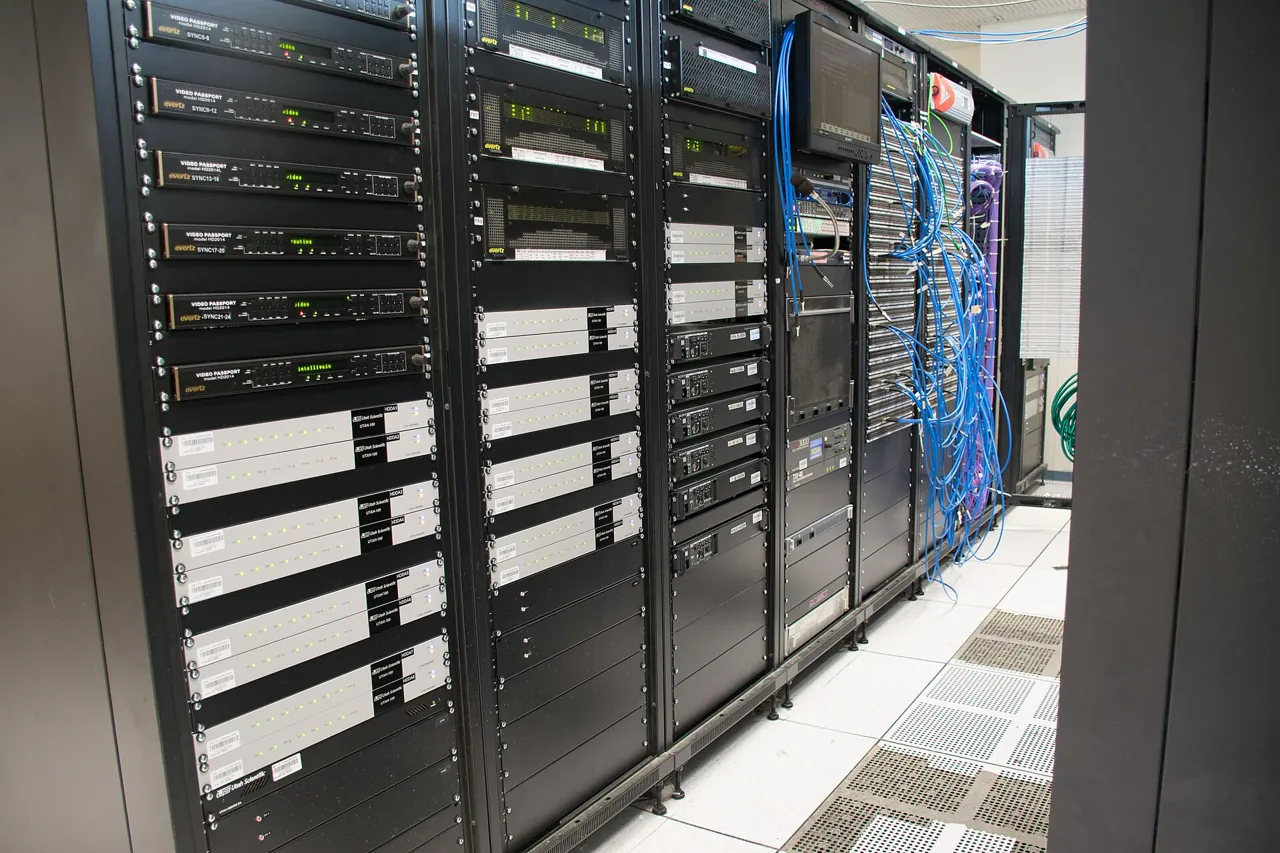
Row of racks with network equipment and servers
Illustrative photograph · Arielinson · CC BY-SA 4.0
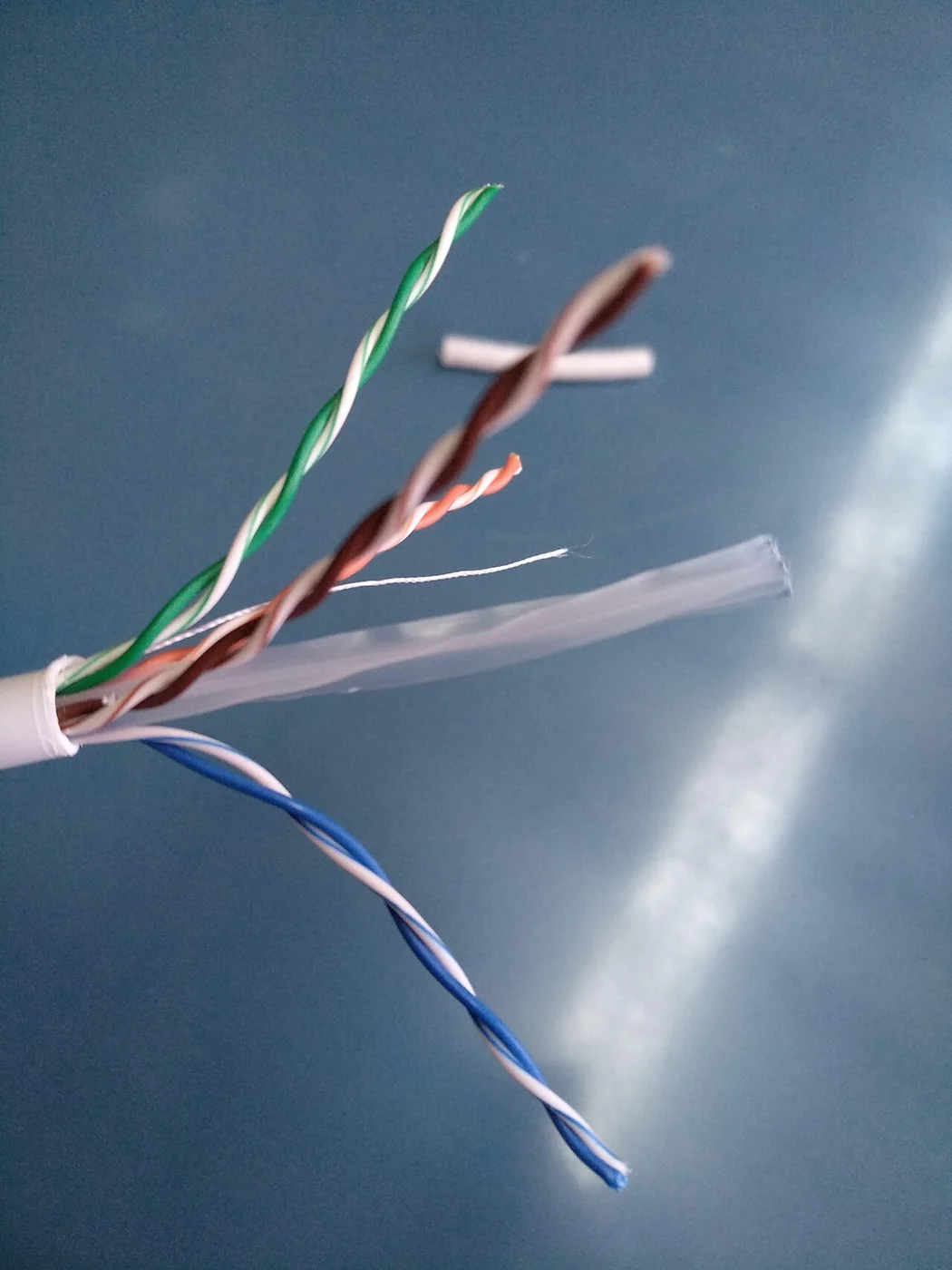
Ethernet network cable and connector
Illustrative photograph · Giacomo Alessandroni · CC BY-SA 4.0

Choose a residential profile around application traffic

The residential catalogue contains forty configurations in Spain across 1, 3, 5, 10 and 20 Gbps. Start by describing what the application exchanges: short responses, documents, images or sessions that stay open. A service returning many small results poses a different selection problem from a tool delivering large files to a few users. Separating those patterns gives each connection option a clear purpose and makes comparisons more useful than choosing a port speed in isolation.

Prepare a sample of ordinary work and record bytes sent, bytes received and completed requests over the same interval. Linux interface statistics distinguish bytes from packets, providing a useful basis for that observation. Include application response sizes and the periods when demand is highest. The resulting profile helps you decide whether the project needs more network capacity, memory for frequently reused data or disk space for the material it serves.

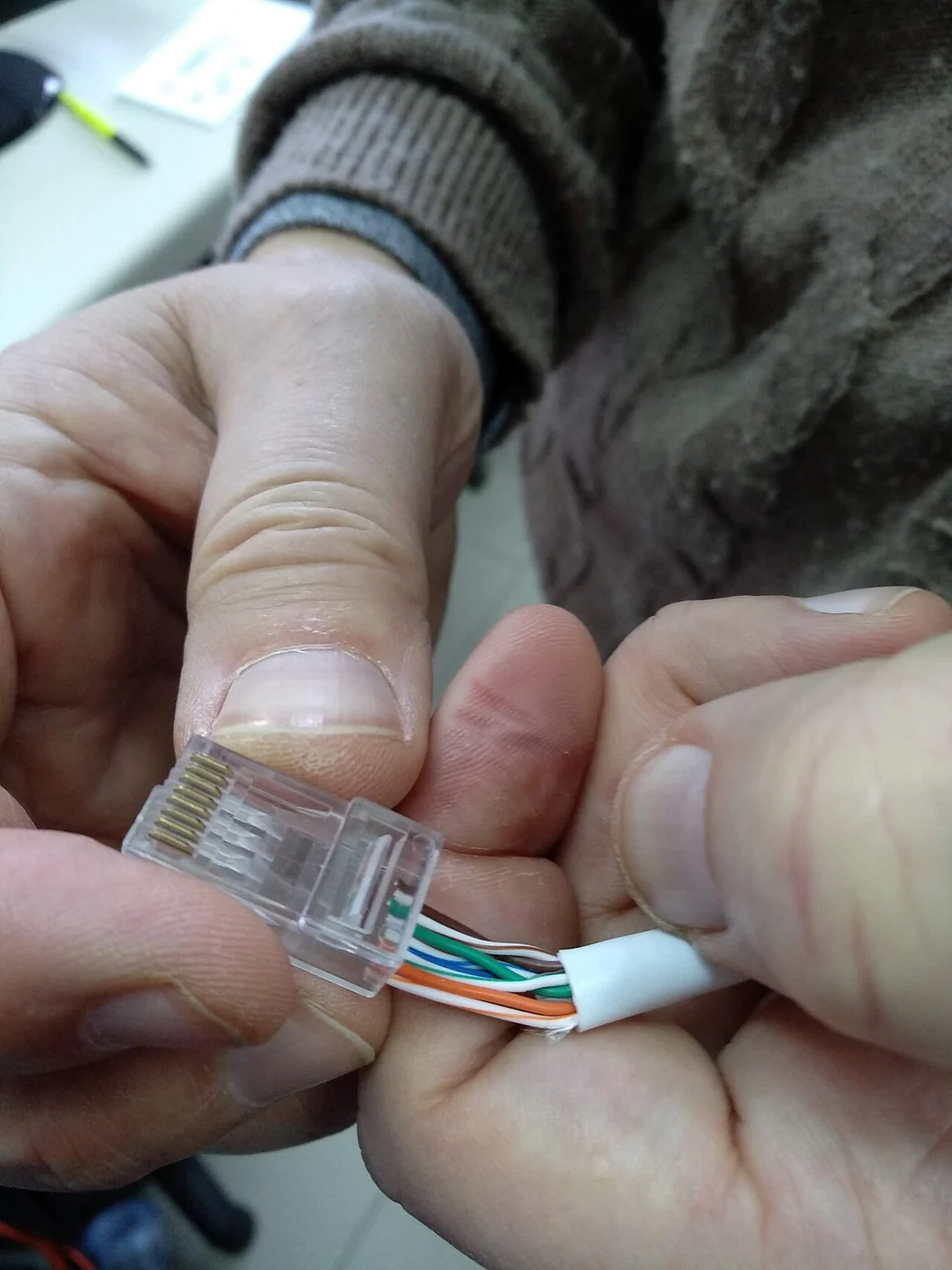
Ethernet network cable and connector
Illustrative photograph · Giacomo Alessandroni · CC BY-SA 4.0

Match the configuration to the active dataset

Residential configurations in the catalogue span 64–512 GB of RAM and SSD capacities from 250 GB to 4 TB. These figures support an initial shortlist, although memory and disk space serve different purposes. For a lookup application, identify the information that needs to stay close to the process and the material that can remain on disk. A complete image collection and its frequently queried metadata need separate capacity estimates, even when they belong to the same product.

If the project uses Redis as a cache, maxmemory provides an explicit limit for its data budget. Decide which entries should stay in the cache and estimate their footprint with representative content. Then allow room for the application and operating system, comparing the total with individual configurations. Select connection speed alongside this allocation, using the content being served, the number of consumers and the volume that actually crosses the network.

Listed as available
Xeon 2667 v2
64 GB DDR3 · 250GB SSD · 1 Gbps
140 €
net / month
Configure server