coreo.cloud
Telegram Explore servers

03 / HIGH-CAPACITY STORAGE CLUSTERS

Spain 10Gbps Storage Servers

Spain (Madrid) · 10 Gbps

CAPACITY:
PORT:

12 configurations available

LET'S TALK

Talk through 10 Gbps mass storage in Spain with a person

Sizing a storage server is about more than picking terabytes. Tell us how much data you handle, how it is read and how fast it grows, and we will point you to the capacity and 10 Gbps Madrid port that make sense for your repository.

Message us on Telegram
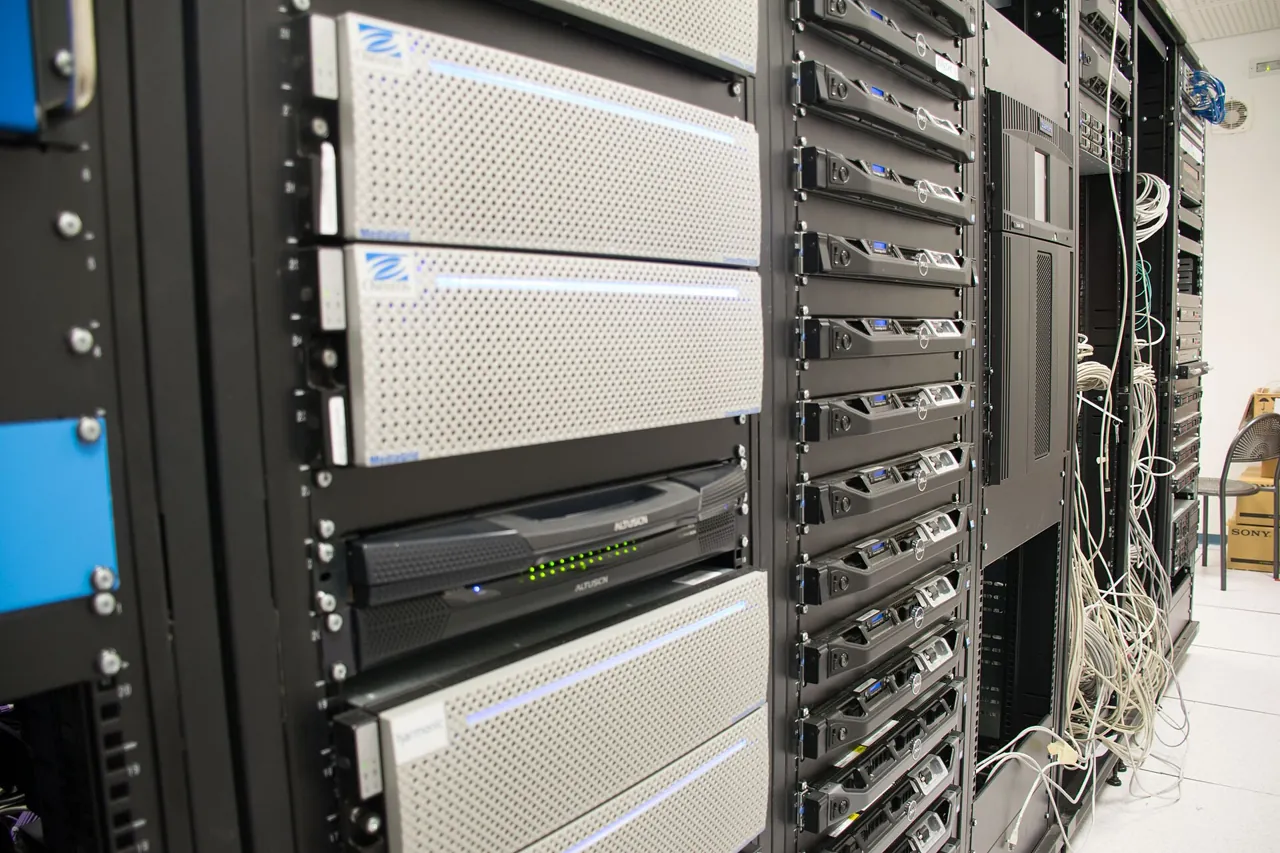
Rack-mounted storage arrays
Illustrative photograph · Arielinson · CC BY-SA 4.0
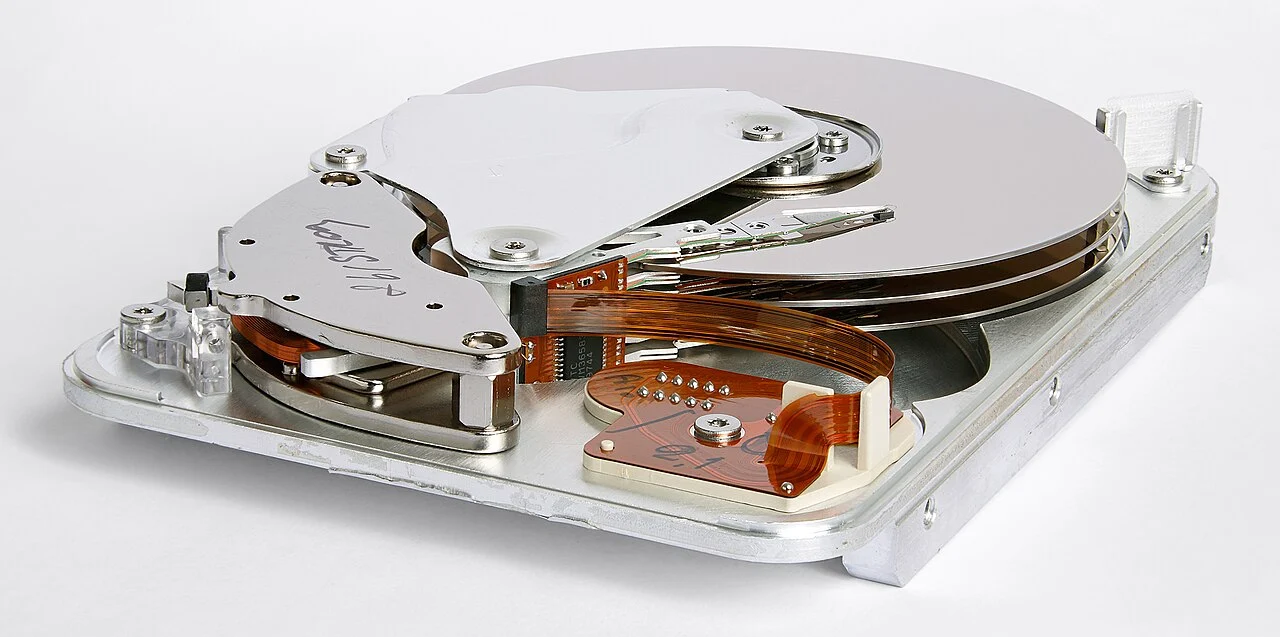
Platters and internal mechanism of a disk drive
Illustrative photograph · Eric Gaba (Sting - fr:Sting) · CC BY-SA 3.0

Plan capacity for 10 Gbps Storage in Spain

Coreo.cloud’s 10 Gbps Storage servers in Spain span listed capacities from 100 to 650 TB. The cards in this selection describe HDD storage and a 500 GB SSD for the operating system, alongside two Xeon E5-2680 v3 processors and 128 GB of RAM. Compare each offer’s stated capacity with the volume of data you need to retain.

To size an archive or repository, collect your current data size, expected growth and retention period. Include the versions you intend to keep and the space required for temporary uploads. These requirements help you choose a capacity without reducing the decision to the size of one collection of files.

After preparing the system, check the space available on its file system: tools such as df report used and available space. Keep that observation alongside your growth forecast so you can decide when to review the capacity you have ordered.

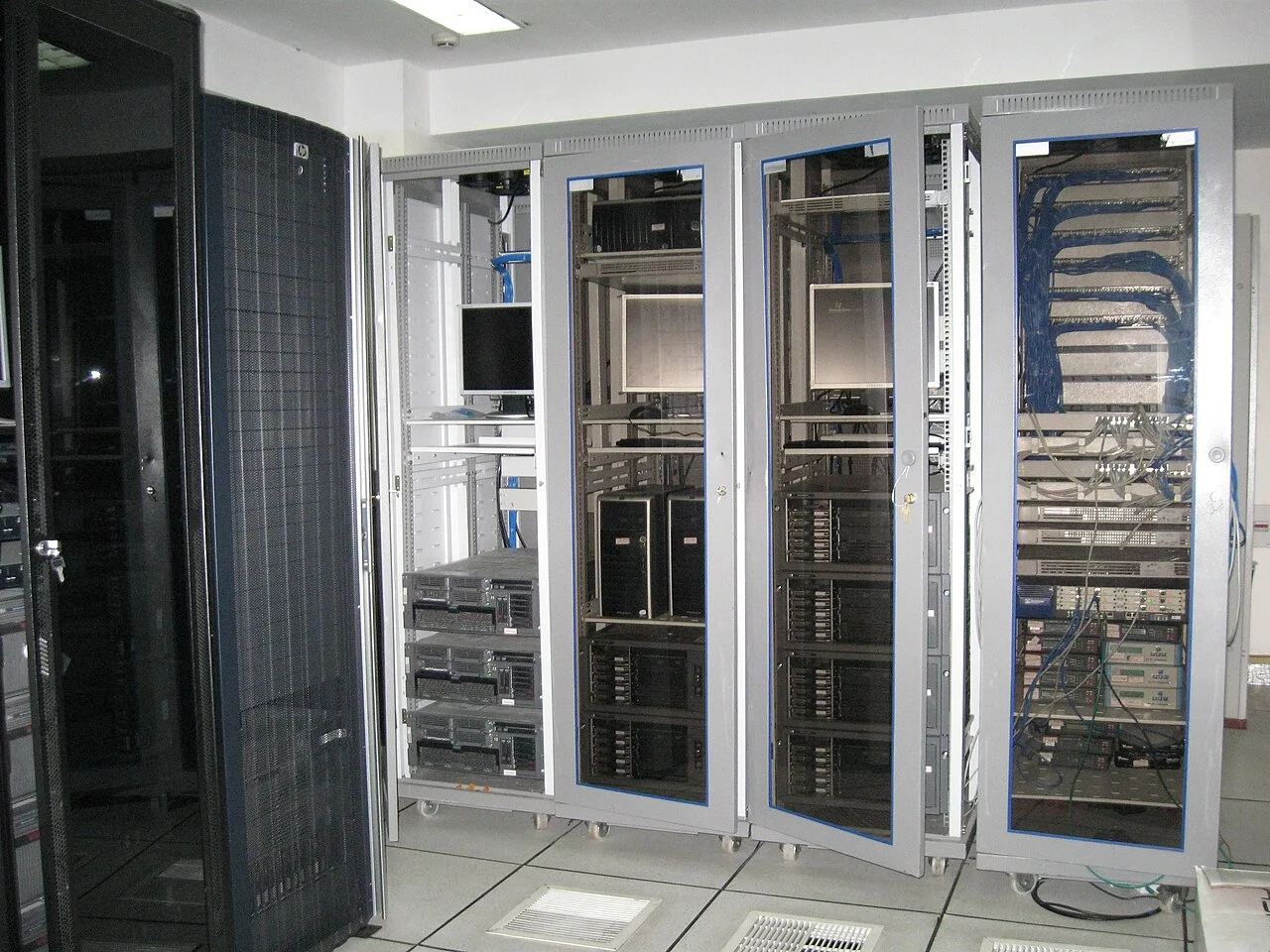
Technical cabinets containing equipment and cabling
Illustrative photograph · Indrajit Das · CC BY-SA 3.0

Observe reads and writes across your repository

On a Storage server in Spain, capacity helps you organize data volume, while read and write behavior needs its own observation. Before expanding a repository, identify how your service uses it: uploading files, querying existing data or combining both activities. Keep a reference from a normal run so you can compare subsequent observations against the same workload.

Linux exposes block device statistics that include completed reads and writes, transferred sectors and time spent on operations. These counters help you observe storage activity over an interval. Compare them at the beginning and end of a task, keeping the scenario consistent and noting file sizes and the number of running processes.

Compare that observation with the time your application needs to complete its work. Reviewing both measurements gives you actual usage data for planning an expansion, rather than turning a capacity figure in TB into a prediction of performance.

Listed as available
2x Intel Xeon E5-2680 v3
128 GB DDR4 ECC Registered · 100TB HDD Storage + 500GB SSD (OS) · 10 Gbps
700 €
net / month
Configure server